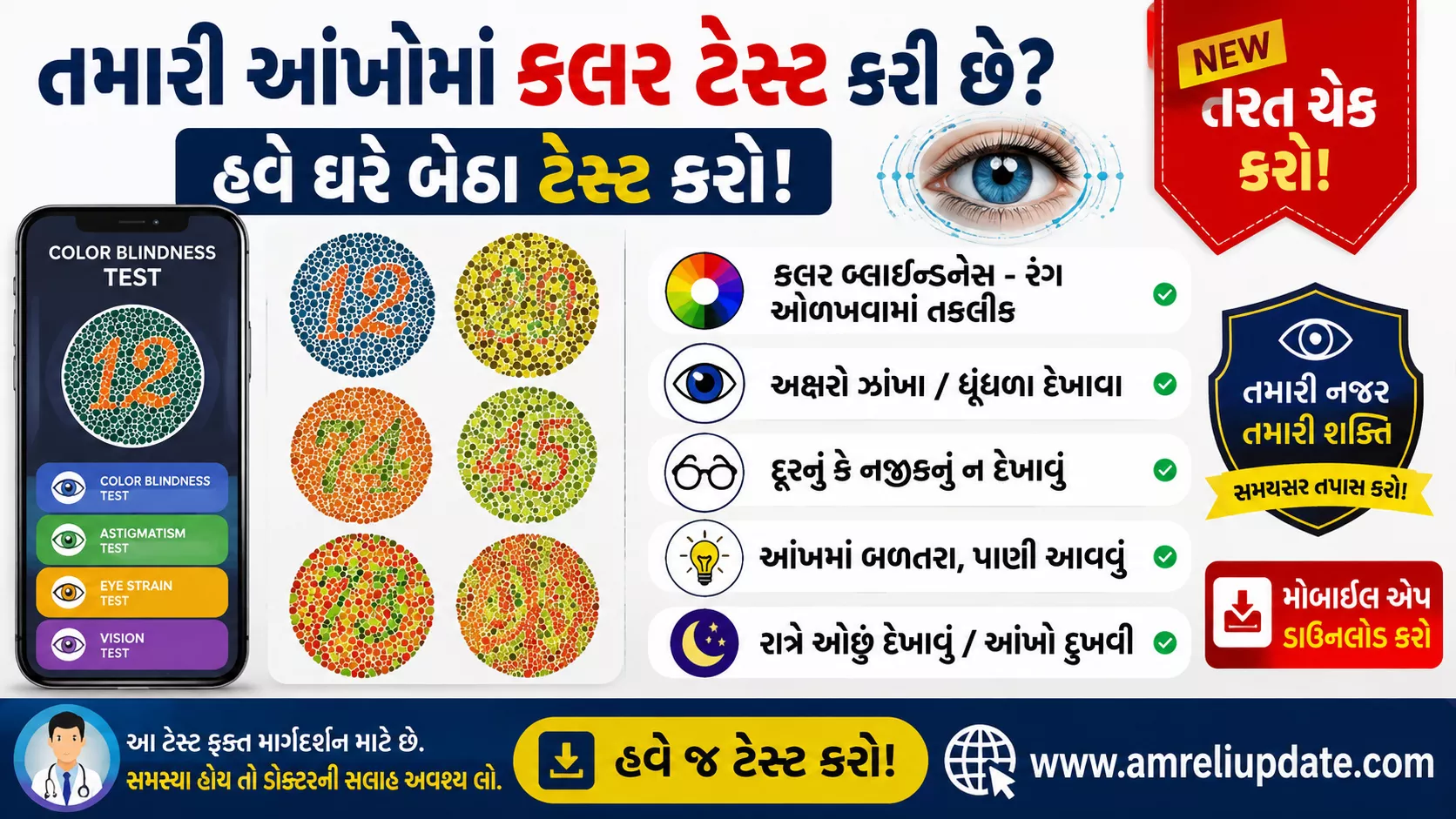
In today’s digital world, our eyes are under constant strain from smartphones, laptops, and tablets. Many people ignore early signs of vision problems until they become serious. Fortunately, the Eye Test Mobile App makes it easy to perform a basic vision screening from the comfort of your home.
While this app cannot replace a professional eye examination, it can help you identify possible vision issues and determine whether you should consult an eye specialist.
What is the Eye Test Mobile App?
The Eye Test Mobile App is a free vision screening application available for Android devices. It offers multiple eye health tests, including visual acuity, color blindness, astigmatism, and contrast sensitivity tests. The app is designed to give users a quick overview of their eye health using only their smartphone.
Key Features
- Visual Acuity Test
- Color Blindness (Ishihara) Test
- Astigmatism Test
- Contrast Sensitivity Test
- Amsler Grid Test
- AMD (Macular Degeneration) Screening
- Glaucoma Questionnaire
- Landolt C / Tumbling E Test
- Easy-to-use Interface
- Instant Results
These tests are designed for educational and screening purposes only and are not a substitute for professional diagnosis.
Why Use an Eye Test App?
Here are some benefits of using a vision testing app:
- Free and convenient
- Takes only a few minutes
- Helps detect possible vision problems early
- Useful for regular eye health monitoring
- No special equipment required
- Ideal for students, professionals, and senior citizens
Who Should Use It?
This app is suitable for:
- Students studying for long hours
- Office workers using computers daily
- Mobile users experiencing eye strain
- Senior citizens
- Anyone who wants to monitor their vision regularly
How to Use the Eye Test Mobile App
- Download the app from the Google Play Store.
- Sit in a well-lit room.
- Follow the on-screen instructions carefully.
- Complete the available vision tests.
- Review your results.
- If any abnormalities are detected, schedule an appointment with an ophthalmologist or optometrist.
Important Disclaimer
Although the app provides useful vision screening tools, it cannot diagnose eye diseases or replace a comprehensive eye examination by a qualified eye doctor. If you experience blurred vision, eye pain, sudden vision changes, or persistent discomfort, seek professional medical care immediately.
Advantages
- Completely free to use
- Beginner-friendly interface
- Multiple eye tests in one app
- Quick results
- Regular monitoring of eyesight
- Suitable for most Android smartphones
Limitations
- Not a medical diagnostic tool
- Results may vary depending on screen size and calibration
- Should not replace professional eye examinations
- Accuracy depends on following instructions correctly
Tips for Healthy Eyes
- Follow the 20-20-20 Rule (every 20 minutes, look at something 20 feet away for 20 seconds).
- Keep your screen brightness comfortable.
- Blink frequently while using digital devices.
- Get regular eye checkups.
- Eat foods rich in Vitamin A and Omega-3 fatty acids.
- Wear prescribed glasses if needed.
Important links
| Download eye test app | Click here |
Frequently Asked Questions (FAQs)
Is the Eye Test Mobile App free?
Yes, the app offers several free vision screening tests, with some versions also providing optional premium features
Can this app detect eye diseases?
No. It is a screening tool only and cannot diagnose eye diseases. Professional eye examinations are still essential.
Is it safe for children?
Many vision screening apps are suitable for children above a certain age, but results should always be confirmed by an eye care professional.
Does it work without internet?
Most vision tests can be performed offline after downloading the app.
Conclusion
The Eye Test Mobile App is a helpful tool for checking your eyesight at home in just a few minutes. It offers a convenient way to monitor your vision, especially if you spend long hours on digital screens. However, remember that it is only a screening tool. If the app indicates any issues—or if you notice changes in your vision—consult a qualified eye specialist for a complete examination.