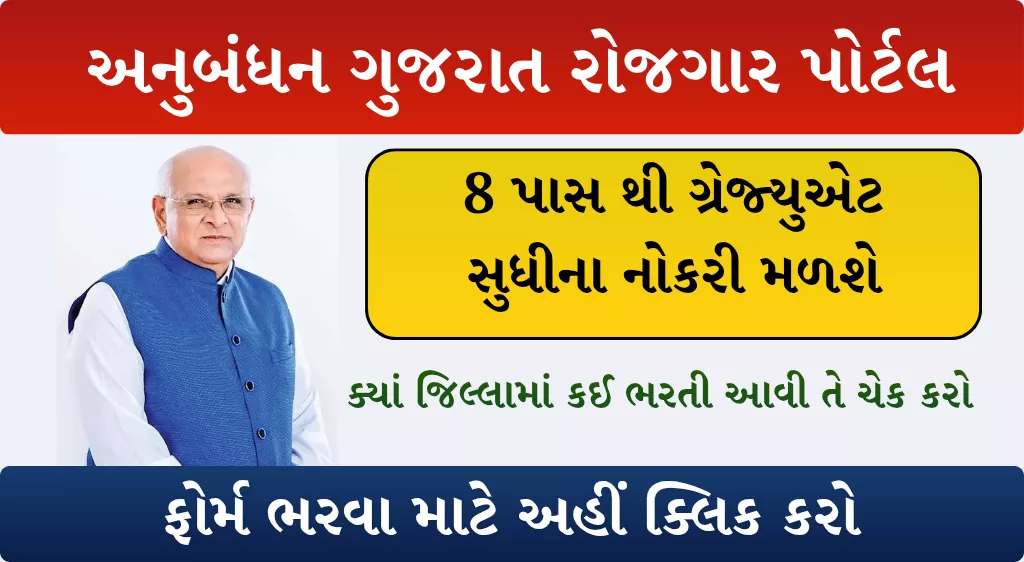
The Anubandh Portal (also known as the Anubandham Portal) is a major digital initiative launched by the Government of Gujarat to make employment opportunities more accessible, transparent, and efficient. Managed by the Labour and Employment Department, this platform connects job seekers and employers on a single, easy-to-use digital interface.
Launched in 2022, the portal aims to simplify the hiring process and help Gujarat’s youth find suitable jobs quickly — all through a 100% online system.
| Rojgar bharti melo | View |
| Date & time | 06/01/2026 , 11 AM |
| Location | Ahemdabad |
Key Objectives of the Anubandh Portal
The Government of Gujarat introduced this portal to tackle unemployment and create a seamless employment ecosystem. Its major objectives include:
1. Single Platform for Jobs
Providing a unified online platform for job seekers and employers across Gujarat.
2. Information Hub
Offering complete details about job openings, training programs, skill-development programs, and government employment schemes.
3. Reducing Unemployment
Helping reduce unemployment by enabling a transparent and fast hiring process.
4. Ease & Convenience
Job seekers can apply for jobs from anywhere—saving both time and cost.
5. Wide Eligibility
Opportunities are available for individuals from 8th Pass, 10th Pass, 12th Pass, Diploma holders, and Graduates.
Eligibility Criteria for Anubandh Portal Registration
The portal is open to a large category of job seekers, including:
- Citizens of Gujarat
- Students, fresh graduates, experienced professionals
- Unemployed individuals seeking new opportunities
- No minimum education requirement for registration — job matches are based on skills and qualifications
- GSSSB Supervisor Instructor Recruitment 2026: 195 Vacancies Under Special Drive for Divyang Candidates
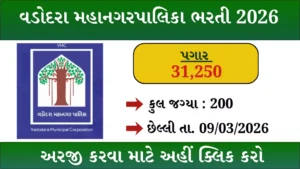
- VMC Recruitment 2026: 200 Assistant Engineer & Work Assistant Vacancies – Apply Online Before 9 March
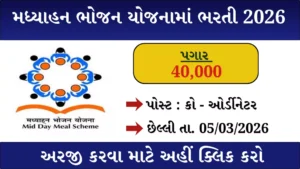
- PM Poshan Yojana MDM Recruitment 2026 – Apply for Mid Day Meal Jobs in Gujarat
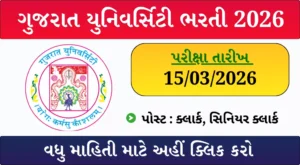
- Gujarat University Senior & Junior Clerk Exam Date 2026 Announced – Check Revised Preliminary Test Schedule
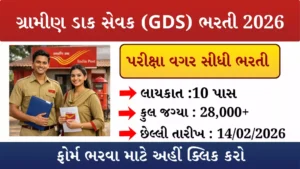
- India Post GDS Recruitment 2026 – Apply Online for 28000+ Posts
- PGVCL Company Secretary Recruitment 2026 – Apply Offline for CS Vacancy in Rajkot

Required Documents for Registration
Before registering on the Anubandh Portal, keep the following documents ready:
- Identity Proof: Aadhaar Card / Voter ID / PAN Card
- Educational Certificates: Degree, Diploma, Marksheets
- Experience Certificates: If applicable
- Skill Information: Details of your skill set & interests
- Contact Details: Email ID, mobile number, recent photograph
How to Register on Anubandh Portal (Step-by-Step)
Follow these steps to complete your online registration:
1. Visit the Official Website
Go to: https://anubandham.gujarat.gov.in/
Or download the “Anubandham (GOG)” app from the Google Play Store.
2. Start Registration
Click on the “Register” button on the homepage.
3. Select User Type
Choose “Job Seeker”.
4. Verify Your Mobile/Email
Enter your mobile number or email ID → Click Next → Enter the OTP sent to your device.
5. Fill the Application Form
Provide details such as:
- Full Name
- Address, District, Pin Code
- Education details
- Skills & Interests
- Work experience (if any)
6. Upload Required Documents
Upload ID proof, certificates, and your photo.
7. Submit the Form
Click “Sign Up” to complete the registration.
Your digital job profile will be created, and you can upload your resume directly on the portal.
How to Login to Anubandh Portal
Once your registration is complete, follow these steps:
1. Visit the Website/App
Open the portal or launch the mobile app.
2. Click on “Login”
Available on the homepage.
3. Enter Login Credentials
Use your Email/Mobile Number and Password.
4. Access Dashboard
After logging in, you can view job listings, update your resume, and track your applications.
5. Start Searching for Jobs
Use filters like education, district, skills, and job type to find suitable vacancies instantly.
Why the Anubandh Portal is Important?
- Bridges the gap between employers and job seekers
- Provides equal employment opportunities
- Helps youth from rural and urban areas apply for jobs online
- Offers a transparent and quick hiring process
- Supports job seekers with minimal or advanced qualifications
This portal is now one of Gujarat’s most important employment tools, helping lakhs of individuals find suitable jobs every year.
Important Links
| Service | Link |
|---|---|
| Apply Online | Click Here |
| Home Page | Click Here |